01 — Choose an AI Model
Select the model that fits the workflow — GPT Image, Nano Banana, Seedream, or Qwen. The picker shows what is live on your plan.

Create commercial images from a text prompt or a reference photo. Switch AI image models, then edit the result for ecommerce, ads, and marketing.
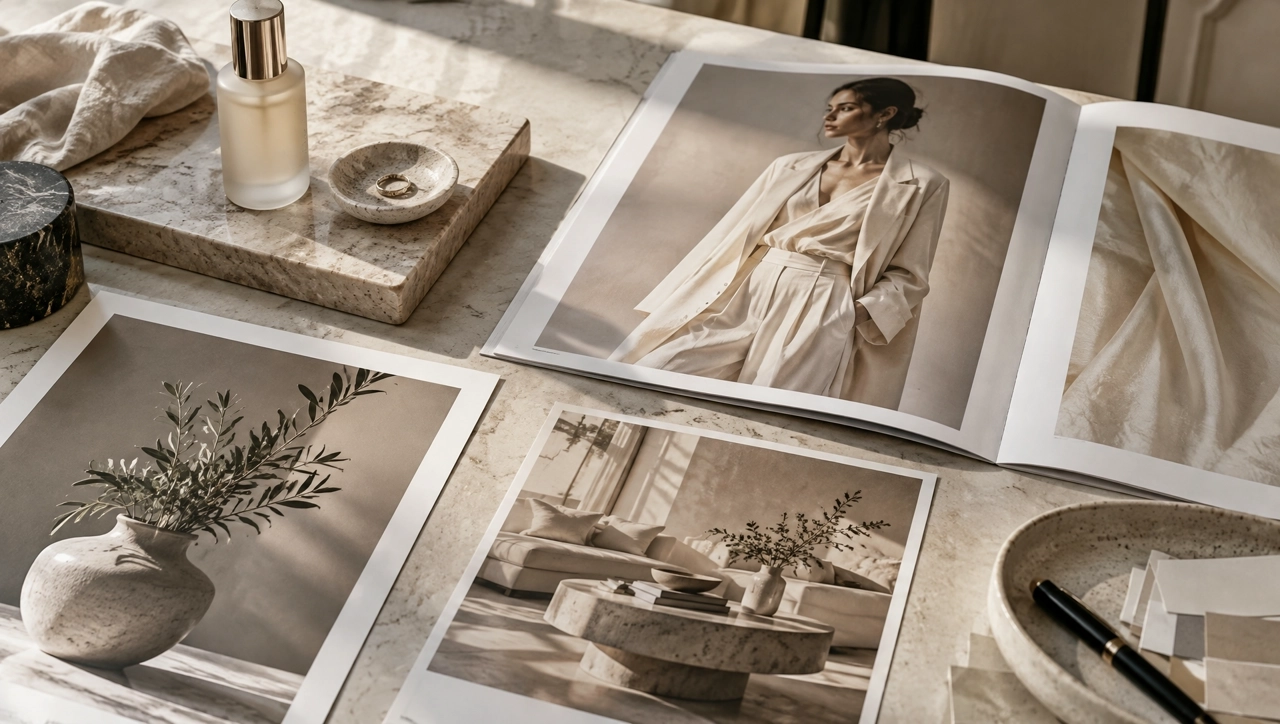
KreadoAI is an AI image generation platform that lets you create, edit, and transform images with multiple AI image models. An AI image generator turns a text prompt or a reference image into a still you can use for product photos, advertising creatives, and marketing visuals. It is a commercial workspace, not a single AI art filter.
Explore AI ModelsUse GPT Image when the brief needs a controlled edit or a marketing layout. GPT Image 2.5 is the newer option for high-fidelity stills and reference-led changes.
Nano Banana 2 and Nano Banana Pro sit in the same picker for ad stills and product visuals. Open each model page for what that version is built to do.
Seedream 5.0 and Seedream 4.5 cover everyday product and lifestyle stills. Seedream 5.0 Pro is the higher-end option when the shot needs more finish.
Qwen Image 3.0 Pro is available for text-heavy layouts and realistic stills. The in-app list shows which Qwen version is live on your account.
Select the model that fits the workflow — GPT Image, Nano Banana, Seedream, or Qwen. The picker shows what is live on your plan.
Enter a prompt or upload reference images. Say what must stay the same, and what should change.
Generate the image, edit what you need, and download the file for ecommerce, ads, or social.
An AI image generator from text turns a written brief into a still. Describe the product, the light, and the setting, then generate a commercial image instead of starting from a blank canvas.
Generate from text →Upload reference images and keep the important visual elements. Image to image AI can change the scene, shift the style, build a new composition, or generate variations of the same product.
Start from a reference image →Edit an AI-generated image or a photo you already have. Change the background, the setting, or a detail, and leave the subject in place when the brief requires it.
Edit an image →Make an AI product image or an advertising creative, then continue in multi-size ads or on the canvas. The point is a file you can place in a store, an ad, or a campaign.
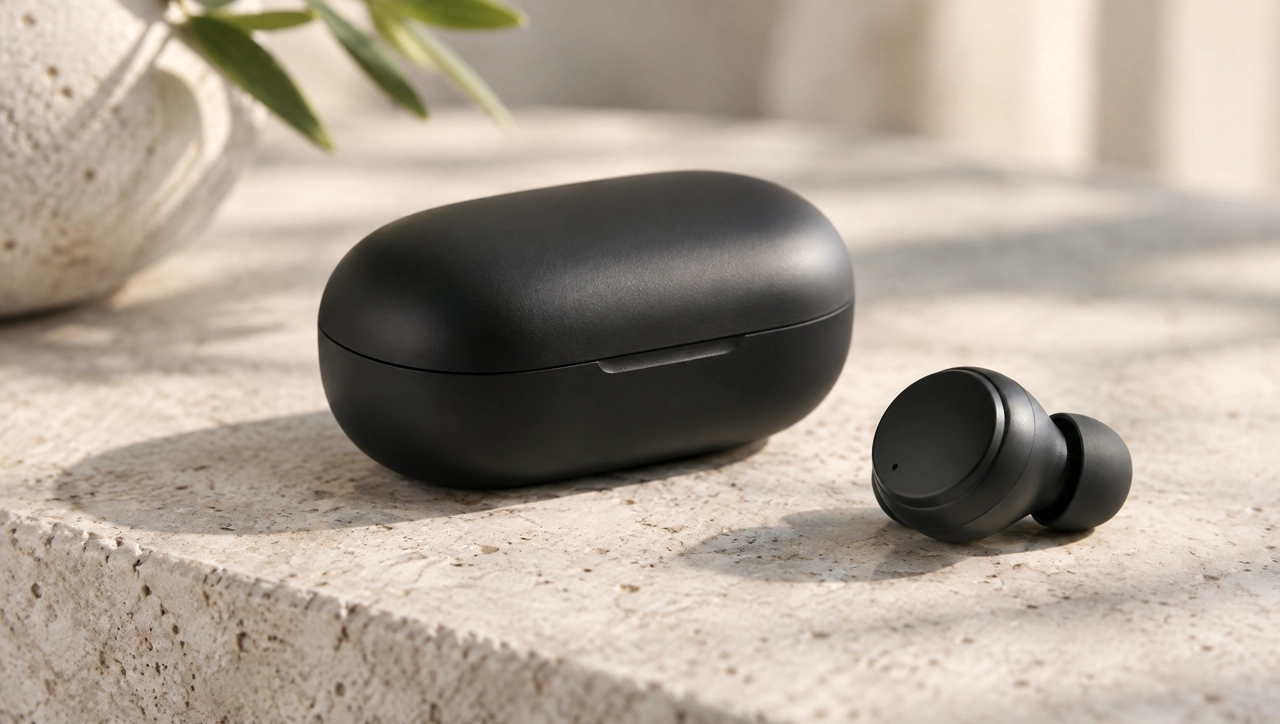
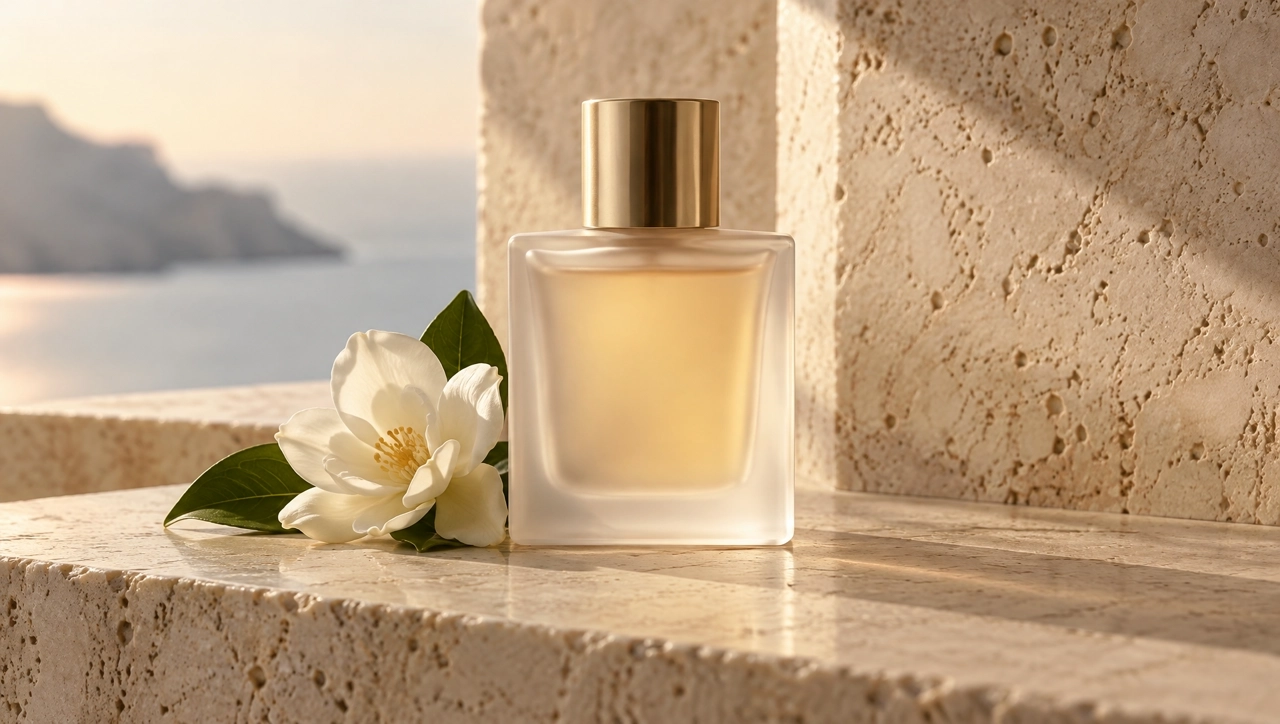
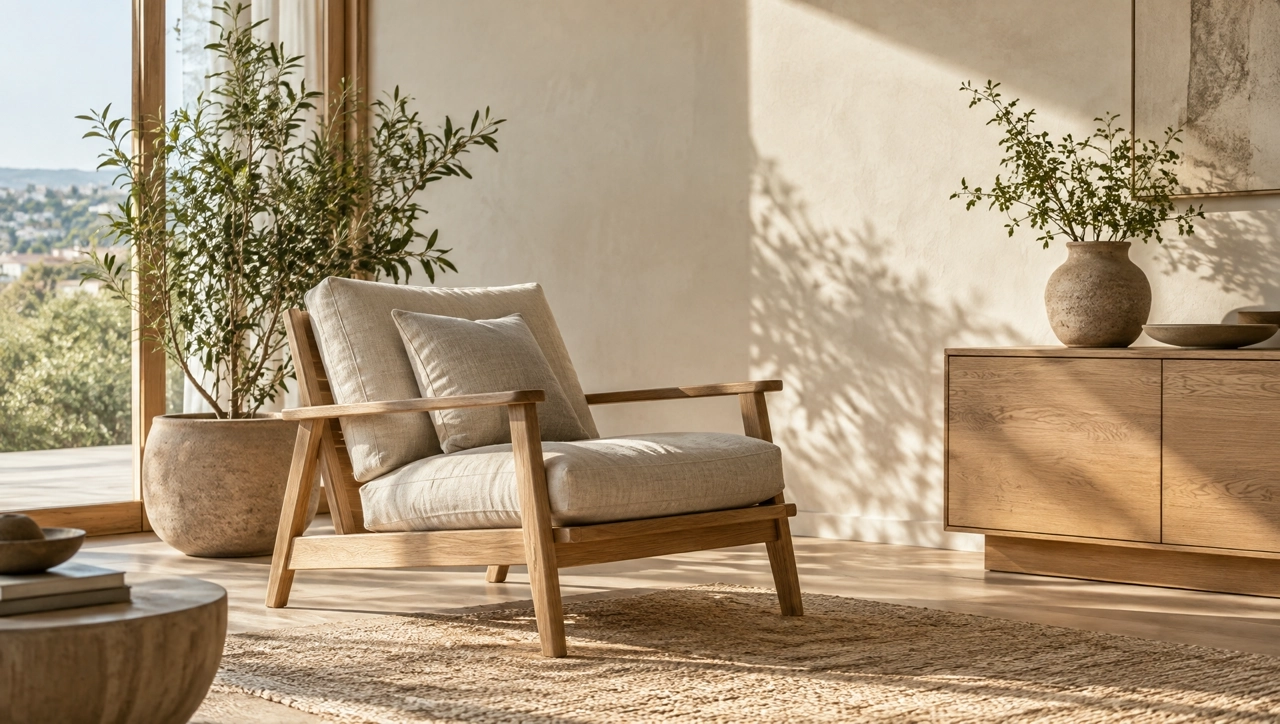
Open multi-size ads →Product photography and lifestyle product images. Keep the item recognizable, then change the surface, light, or setting.
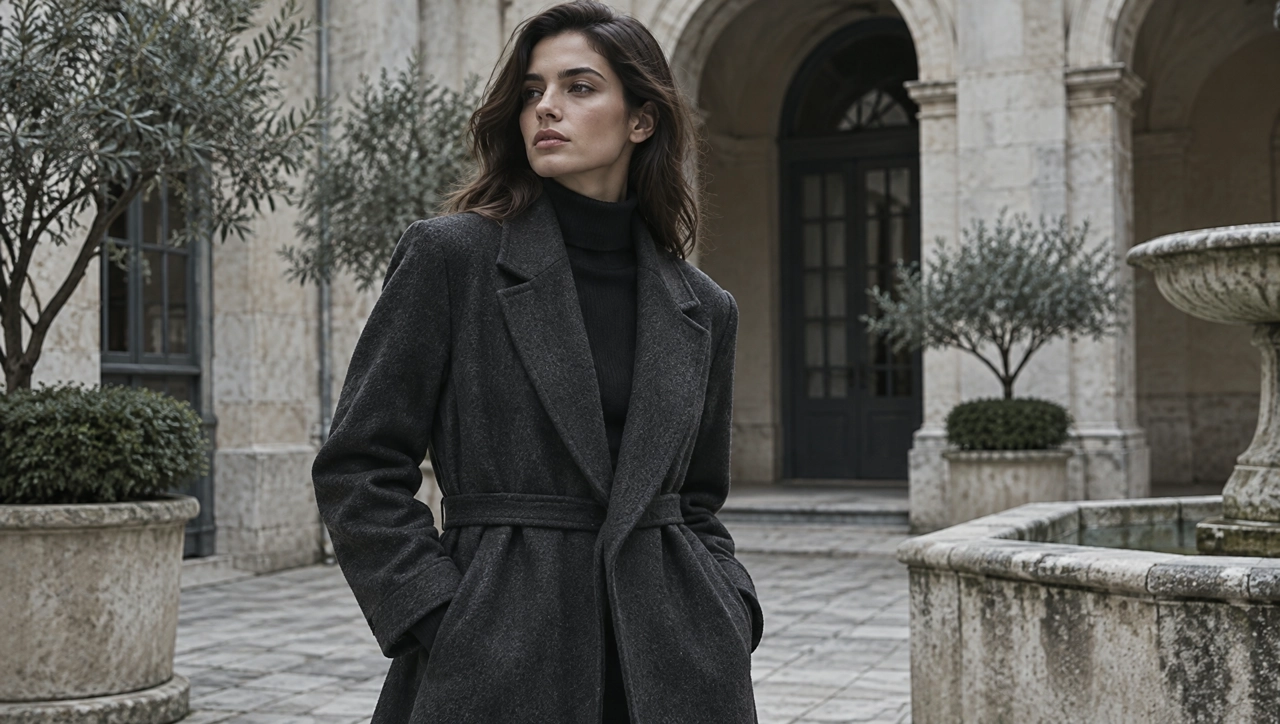
Ad creatives and promotional visuals for paid social and display, built from a prompt or a product photo.
Social content for campaigns and product promotion, including square and vertical stills you can post or test.
Campaign visuals, banners, and promotional graphics that stay on-brief across a launch.
Creative concepts and visual directions you can compare before a shoot or a full campaign.
Illustrations, concepts, and visual experiments when you want more than a catalog shot.
Open a model page when you want the details, or stay here and generate in the AI Image Generator. Related tools cover ads, canvas edits, and image to video.
Open the workspace, pick an AI image model, and generate a product, advertising, or marketing image from text or a reference photo.